
Welcome to Blue Skye Lending, we’re a Florida mortgage broker bold enough to change the home-financing experience for the better. Founded in 2006 by a dedicated team of Licensed Florida mortgage professionals, we saw an incredible need to put people first. It turns out we were on to something, and our clients agree. Since inception, we have assisted thousands of Florida homeowners with their lending needs.
We enjoy helping homeowners find the right financing, whether it’s refinancing to a lower rate, pulling cash out for home improvements, or getting pre-qualified to buy a home in Florida. We intentionally organized Blue Skye Lending to serve in your best interest—by hiring only the best people and maintaining strong relationships with multiple lenders, providing you access to some of the best resources in the industry.
Whether you are...
we can help you find the perfect mortgage!
Whether you are...
we can help you find the perfect mortgage!
We’re real people who happen to have lots of knowledge when it comes to mortgage lending in Florida. When contacting us, you won’t be routed to a call center or reach a robot, you’ll speak to a professional who genuinely wants to help. We’re here to answer all of your questions, no matter how small. With Blue Skye Lending there is no hassle, no annoying cold calls, just good information from a reliable source.














We don’t want to brag, but we’re pretty good at what we do. Our belief that “Honesty is the best policy” has allowed us to win a few awards in recognition of our dedicated work.

“Thanks to Marci Walker, our experience in obtaining a mortgage was quick and ‘painless’.”

“We have used Blue Skye Lending twice now, and we will continue to return to them!”

Allison and Sue are hands-down the best.They made buying our home easy and we will forever be grateful! 😍
Although our office is in beautiful Lakewood Ranch, we help borrowers and homeowners across Florida.
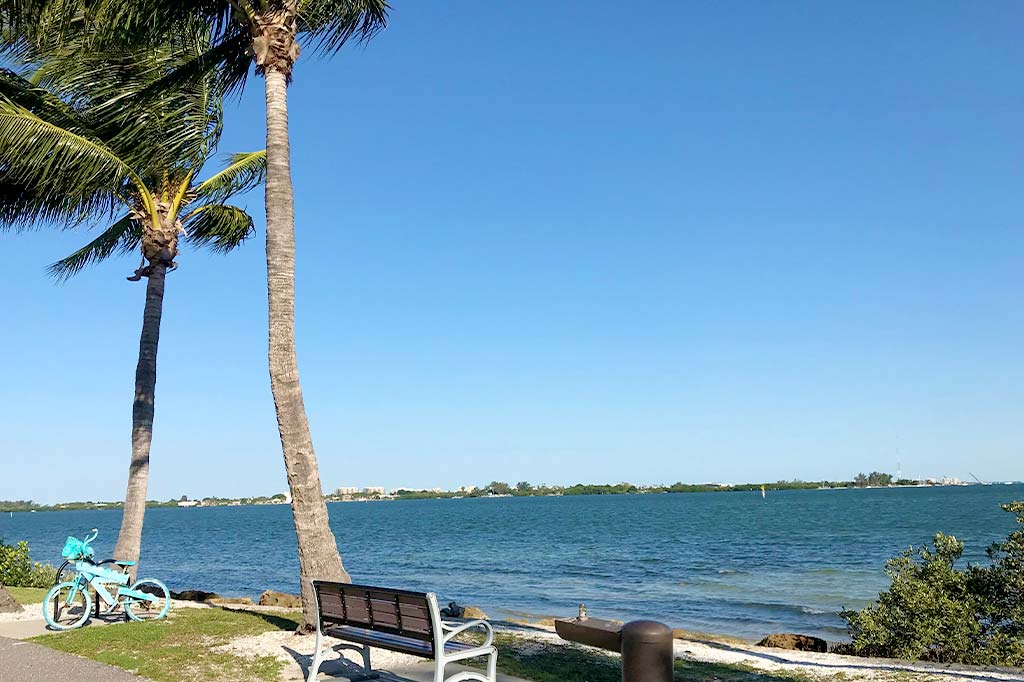
Blue Skye Lending was started with a simple idea—that we can make the Florida mortgage industry better, one loan at a time.
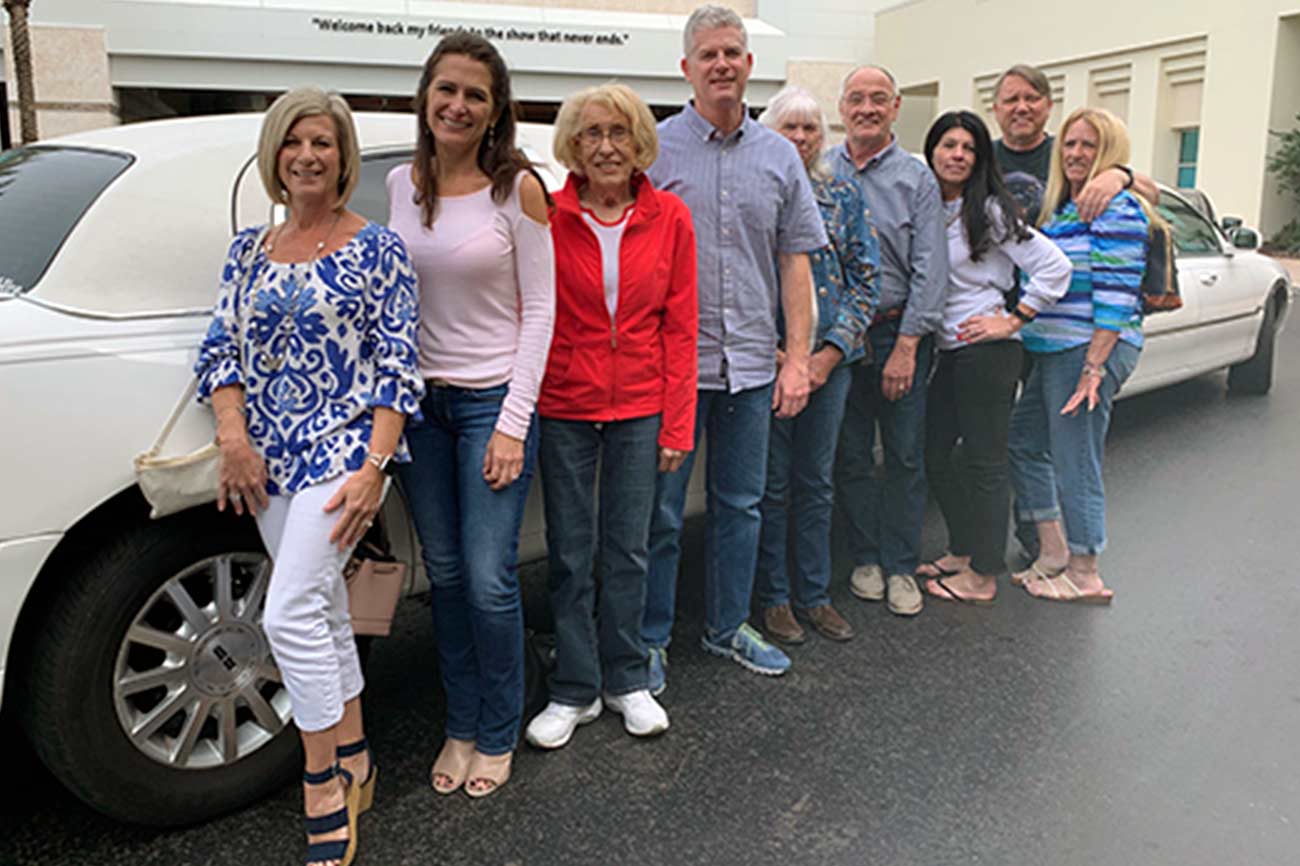
We’re a team of everyday people who just happen to have a ton of mortgage financing knowledge, and we love to share what we know.

We work with homebuyers from any city or county within the state of Florida, from Pensacola to Key West (and everywhere in between).